Parachute Drop
Viewers type the command in chat, glide in from the top of the screen and land on the target platform. Score depends on how close the landing is to the centre, and a direct hit plays its own celebration.
What it does
Ten visual themes
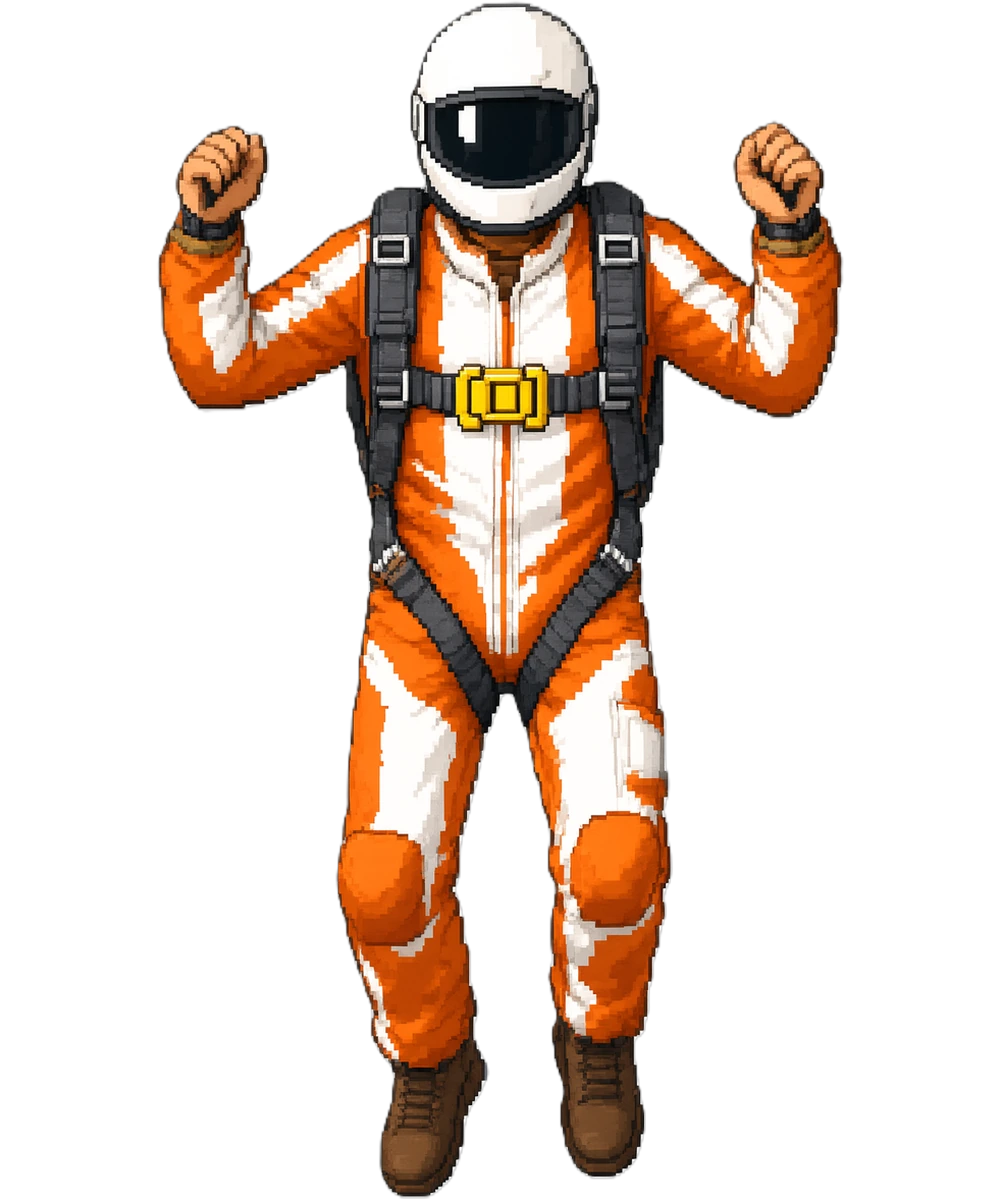
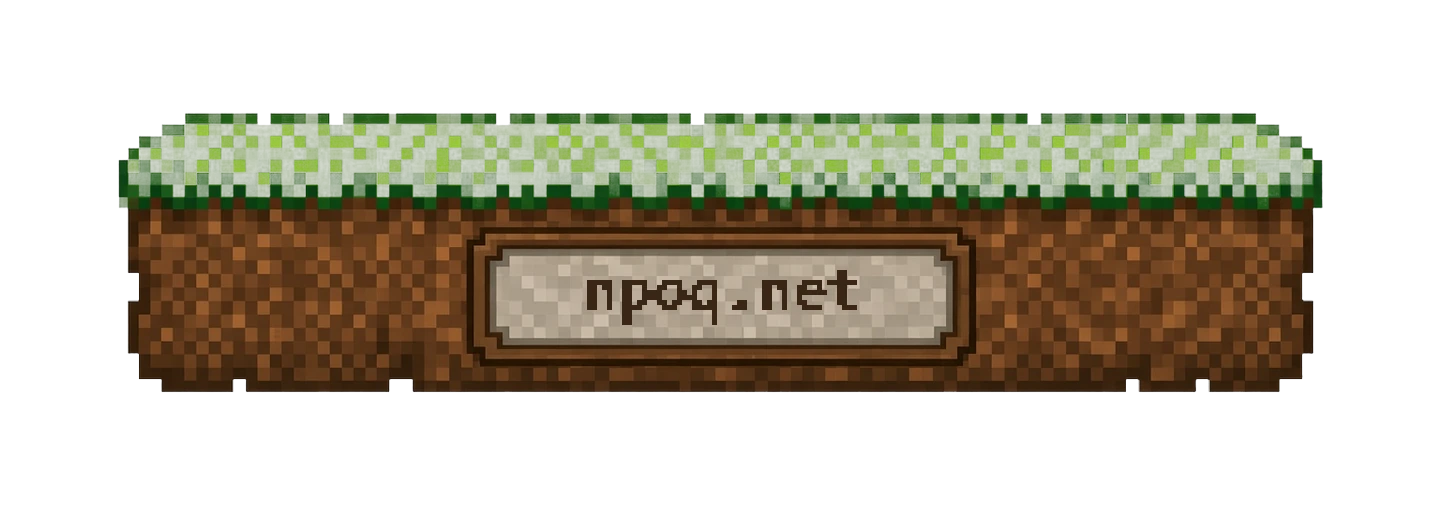
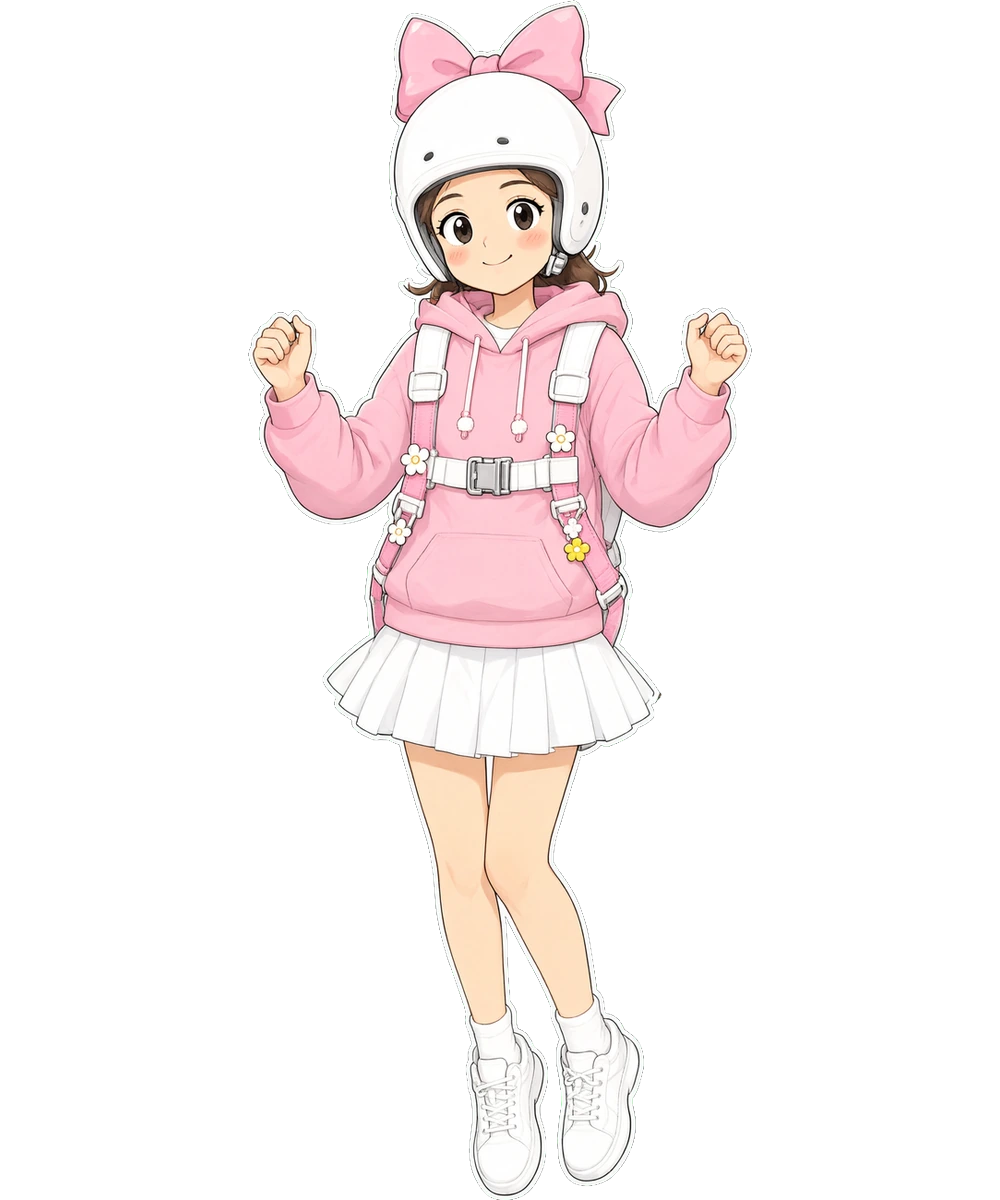
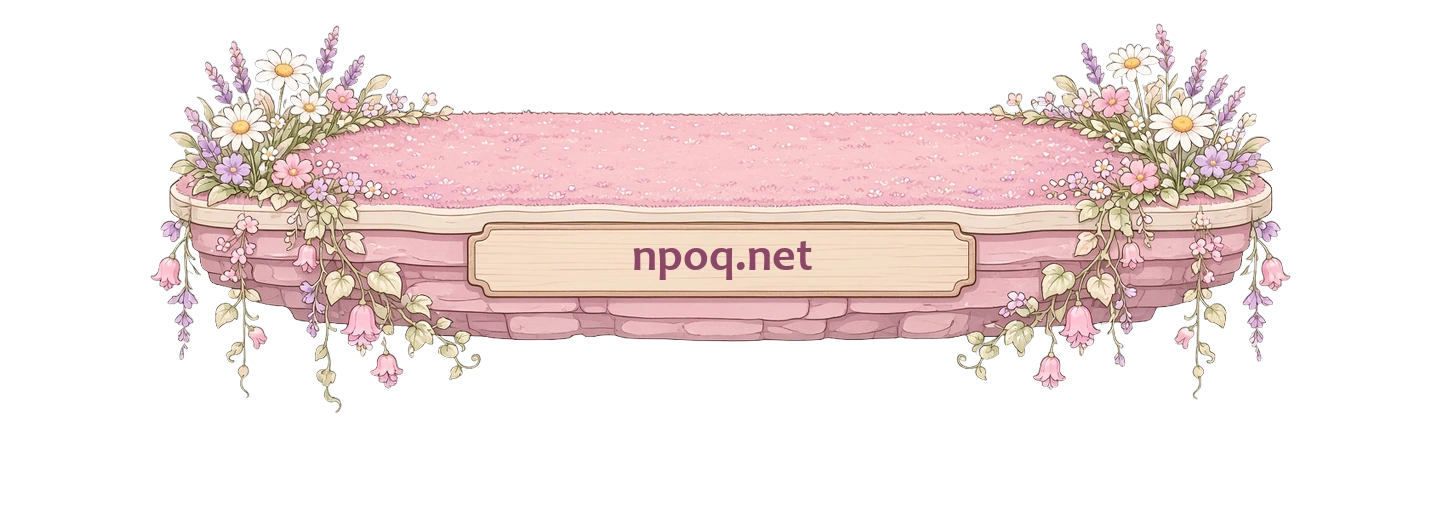
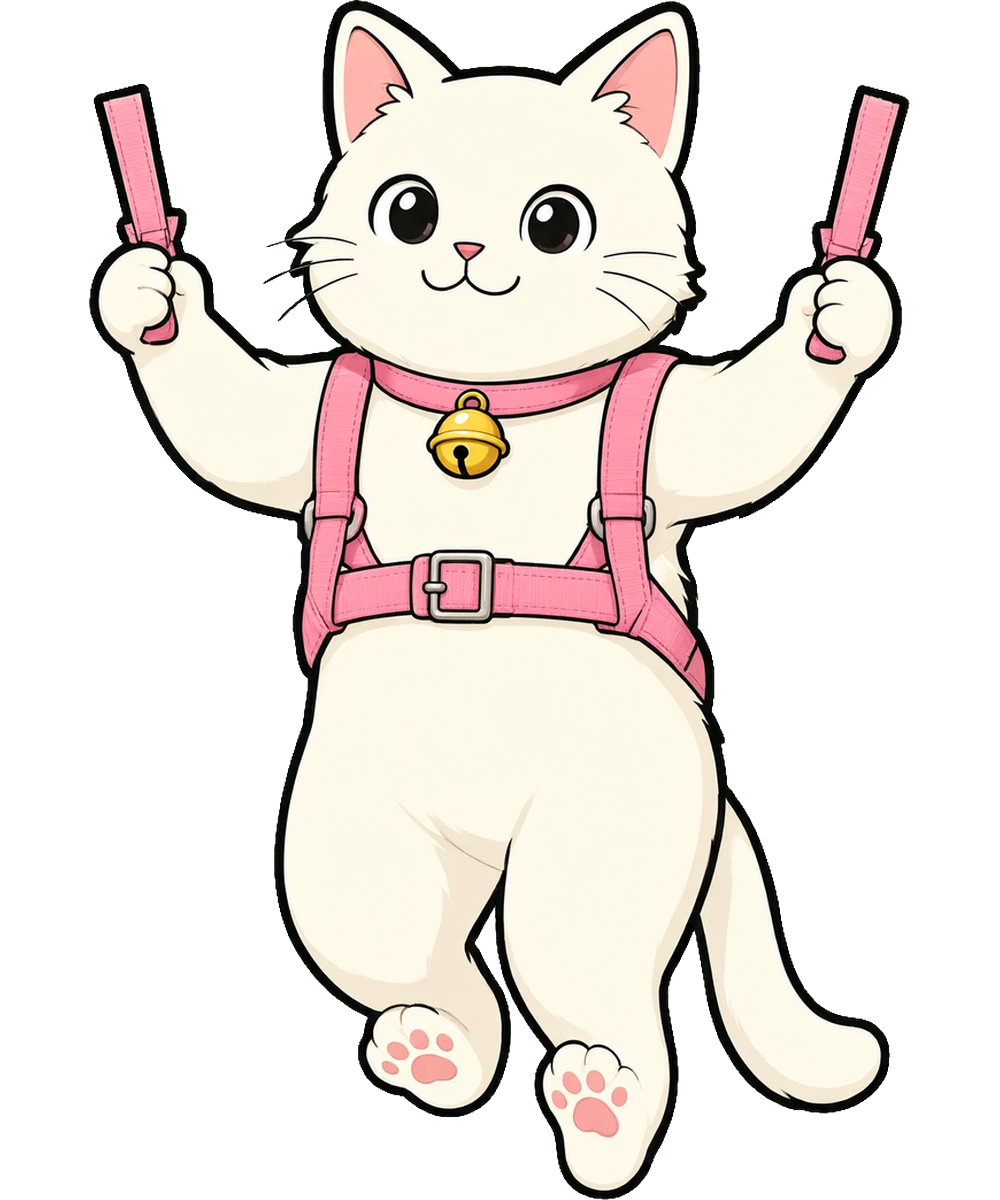
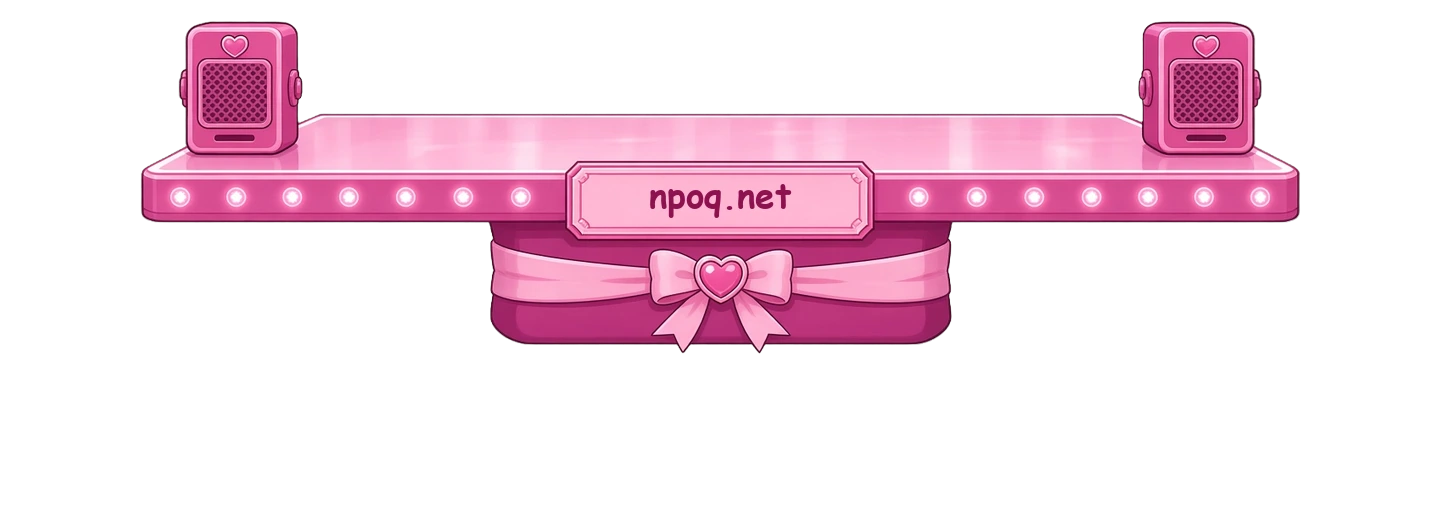
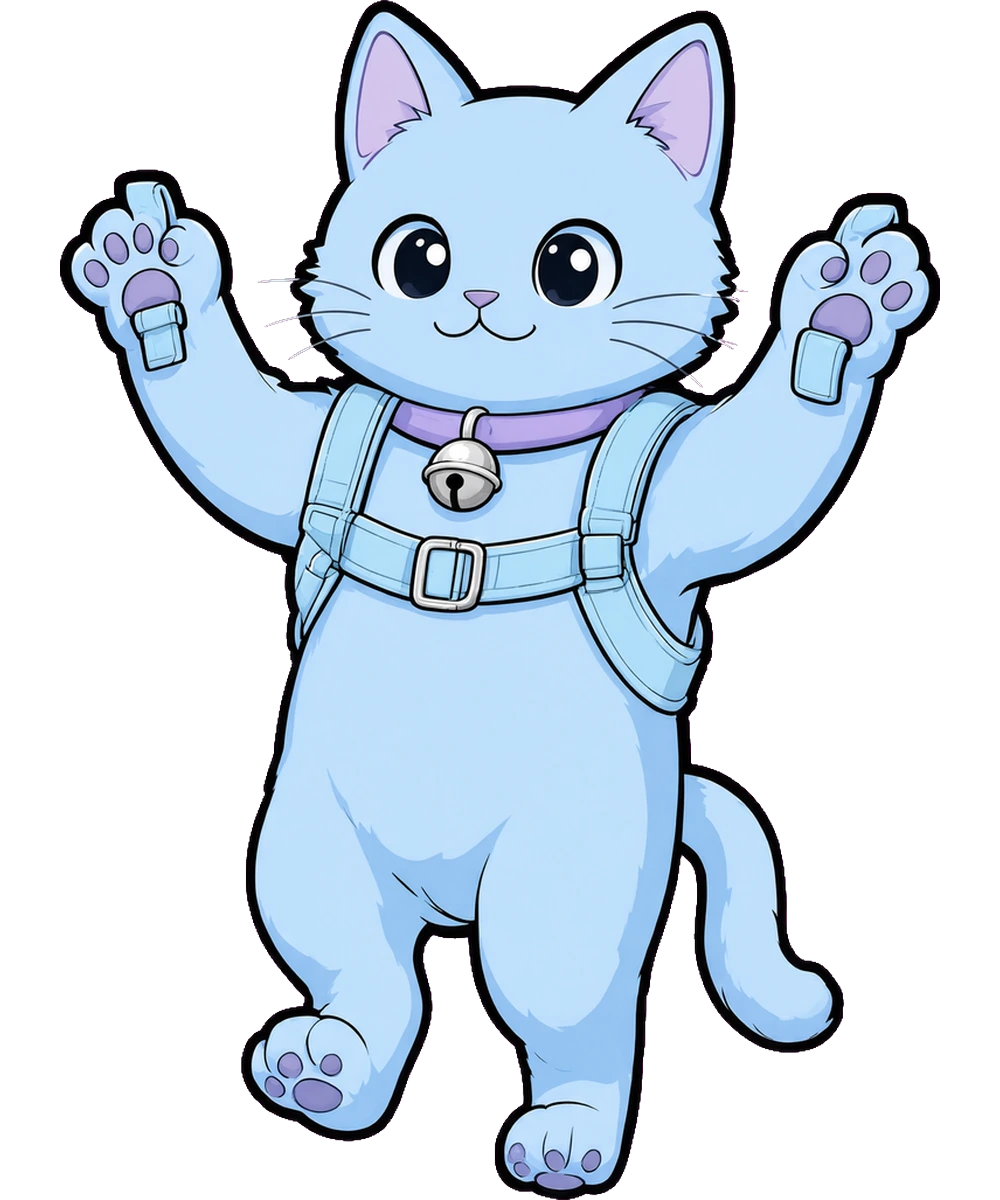
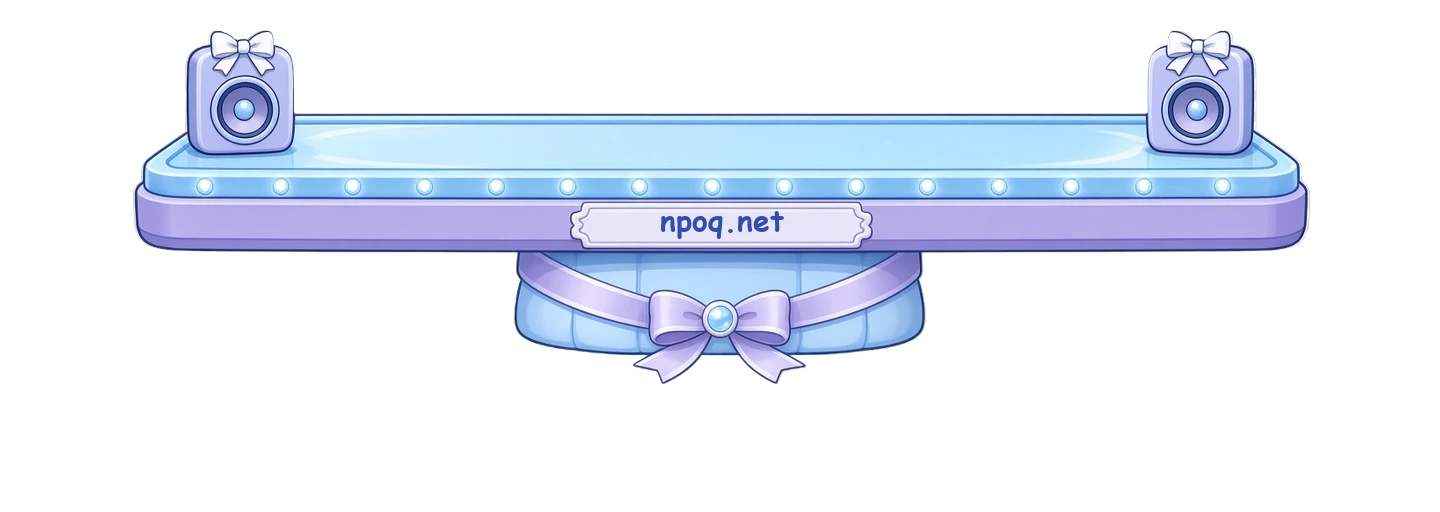
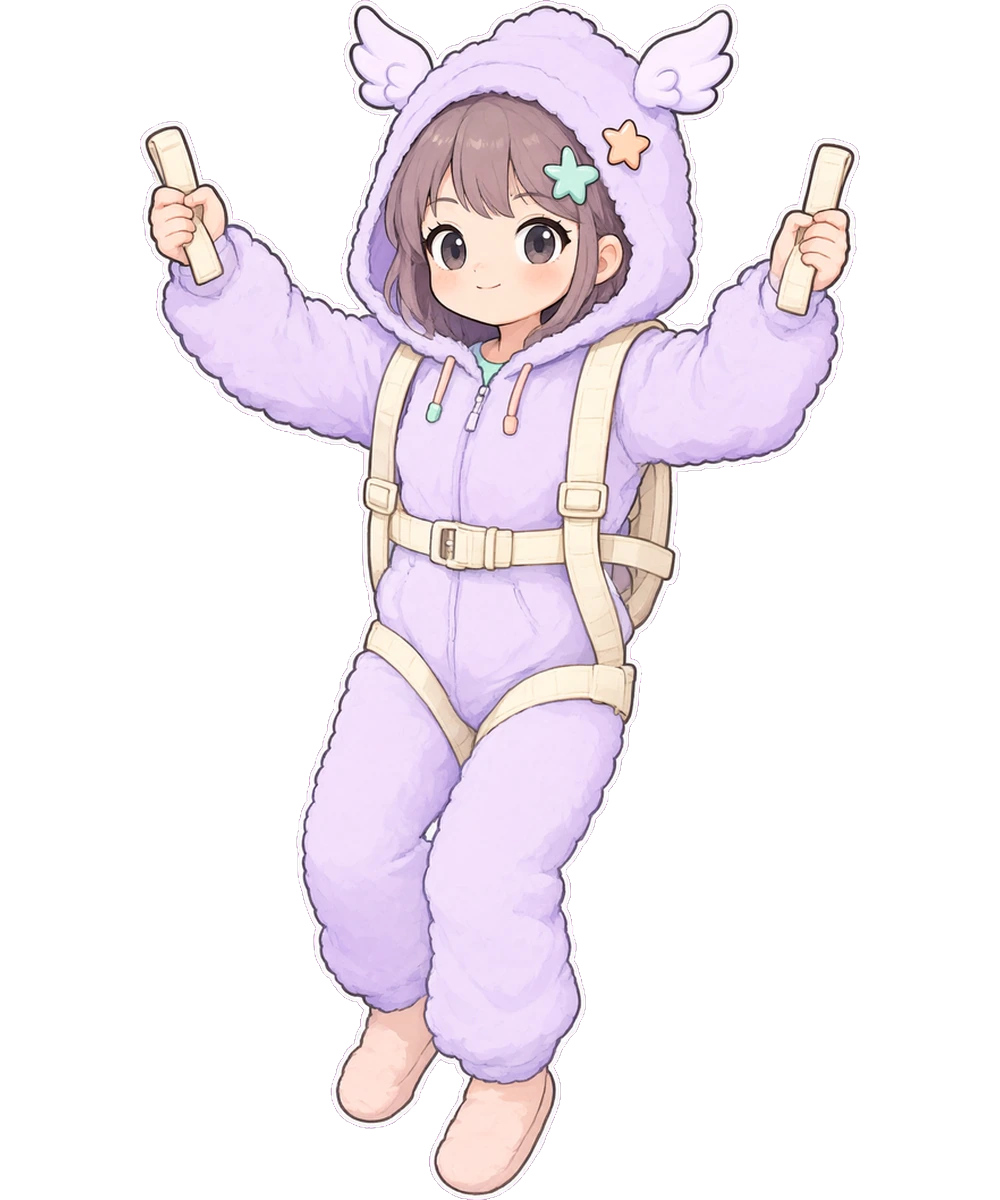
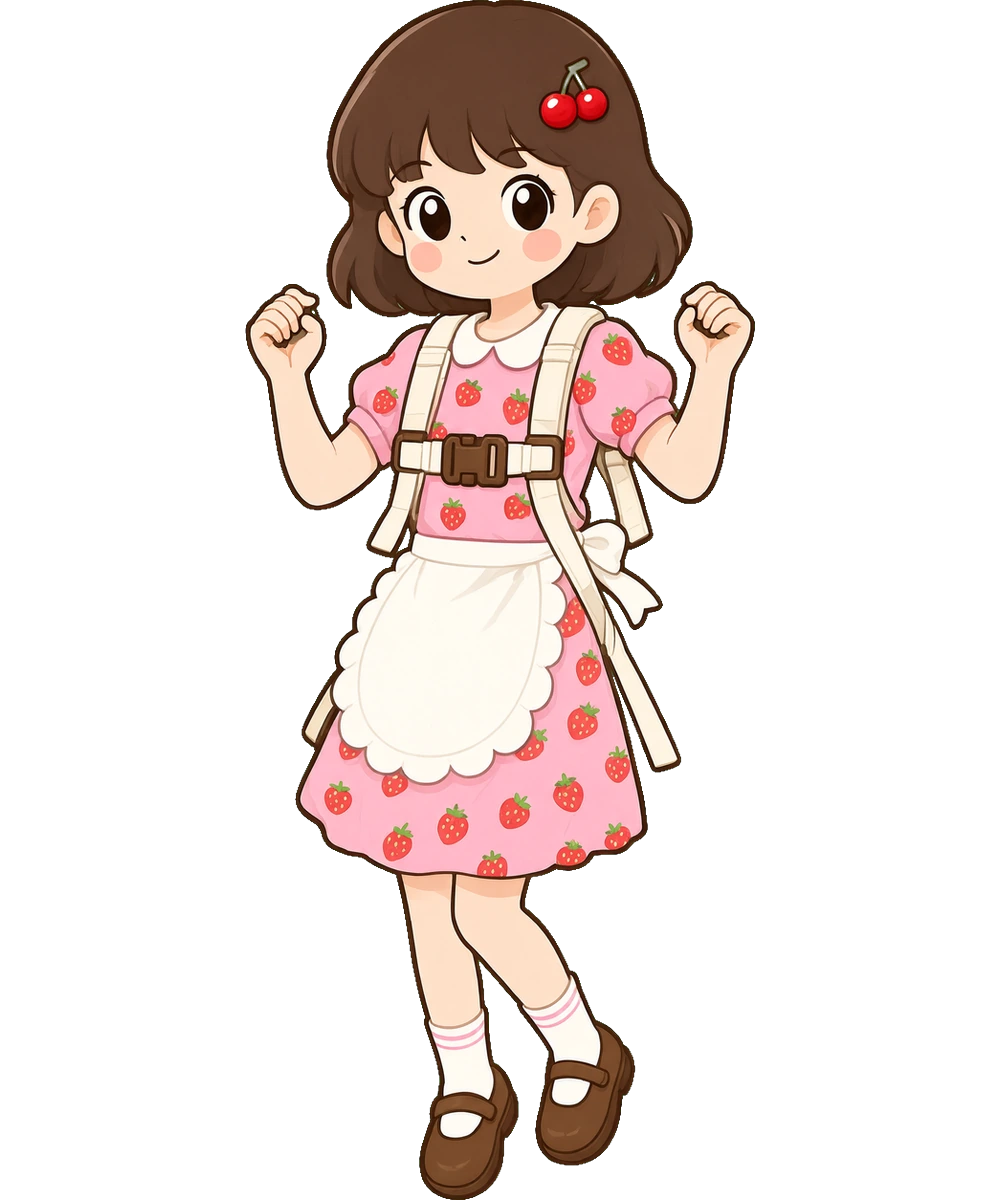
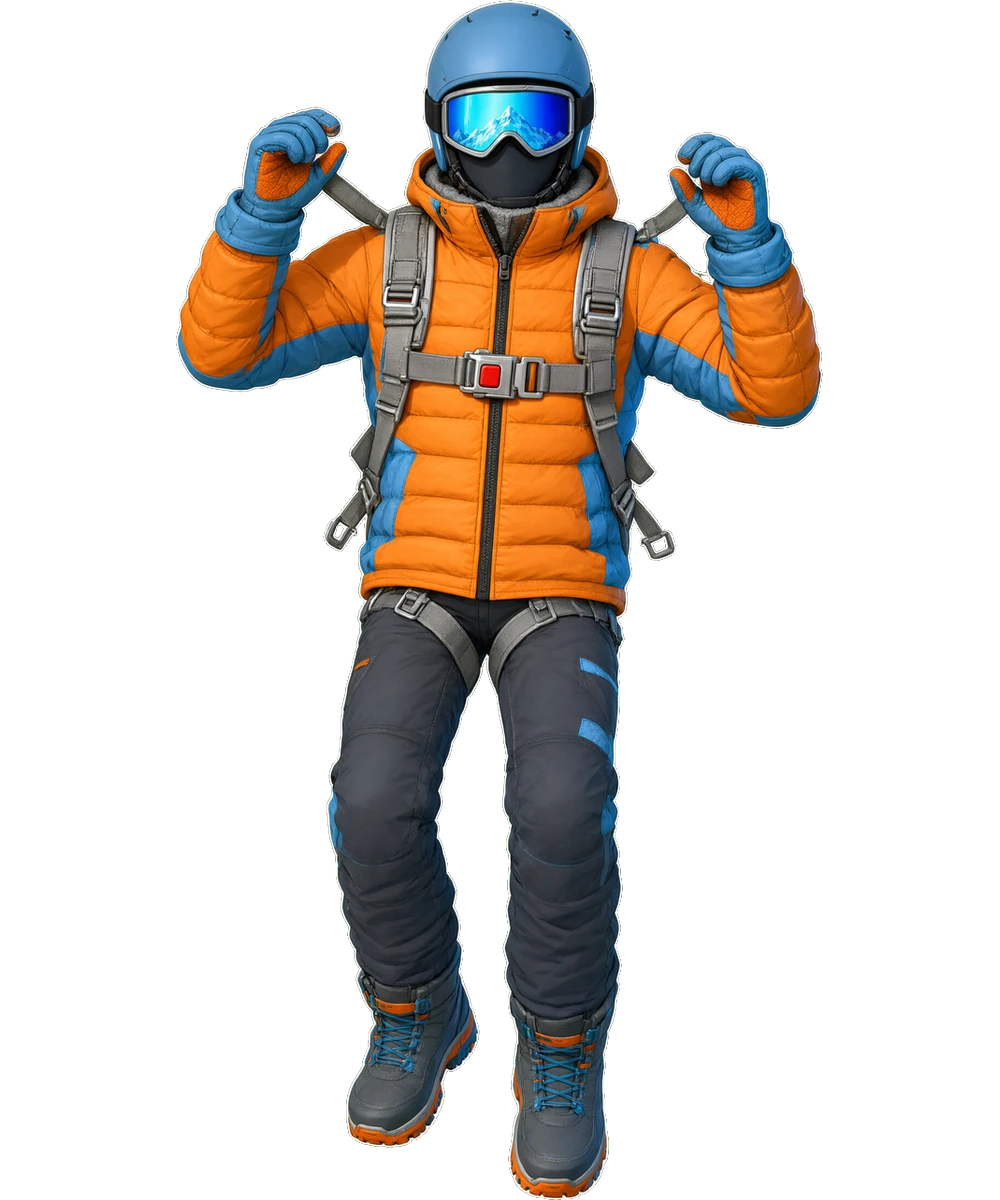
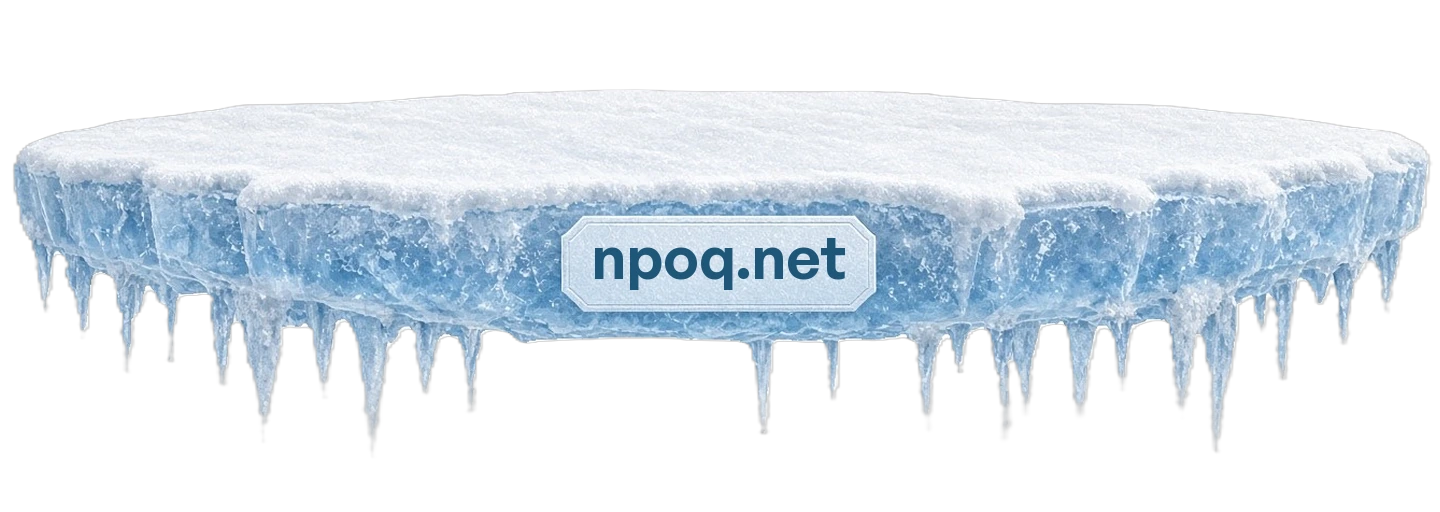
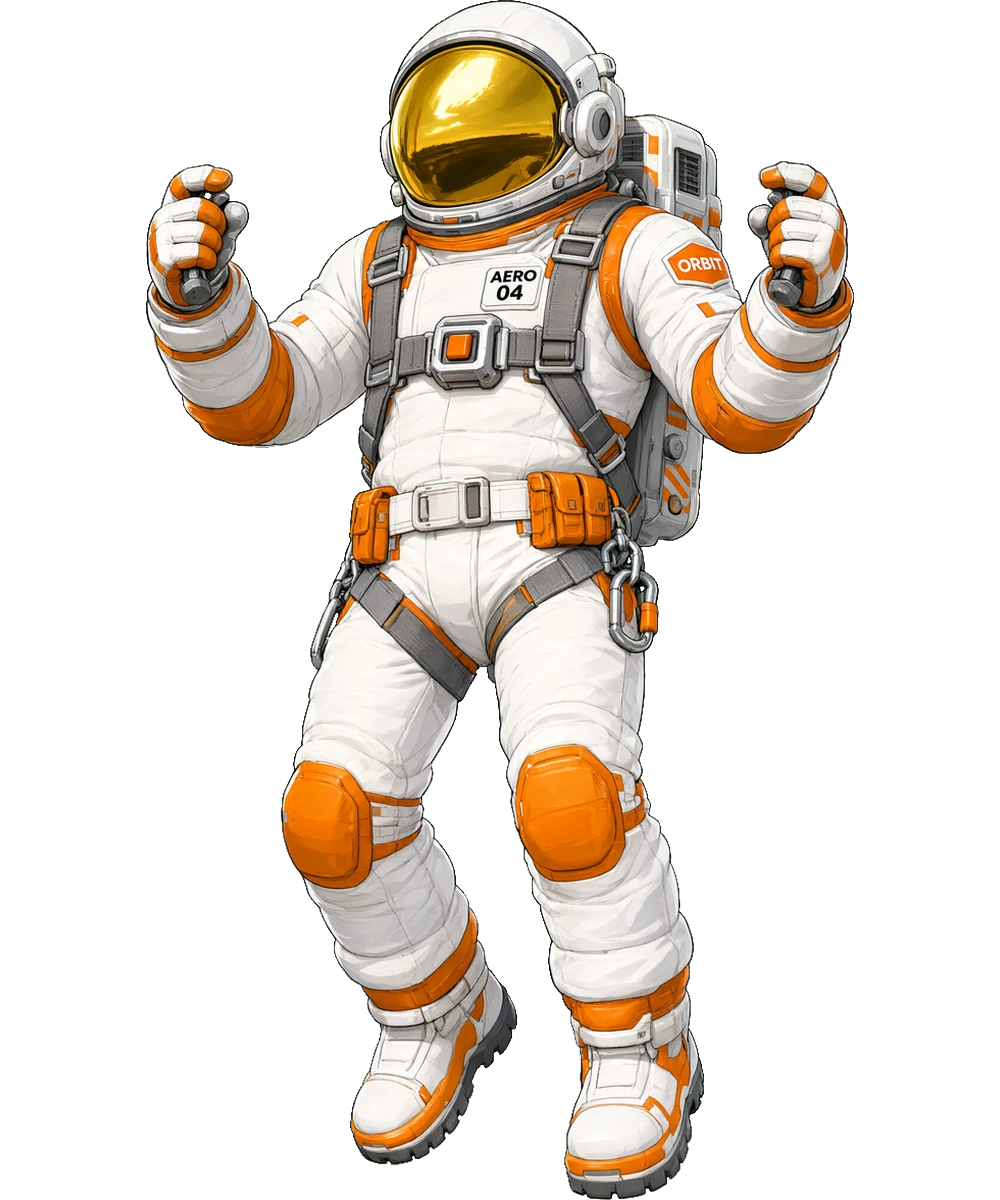
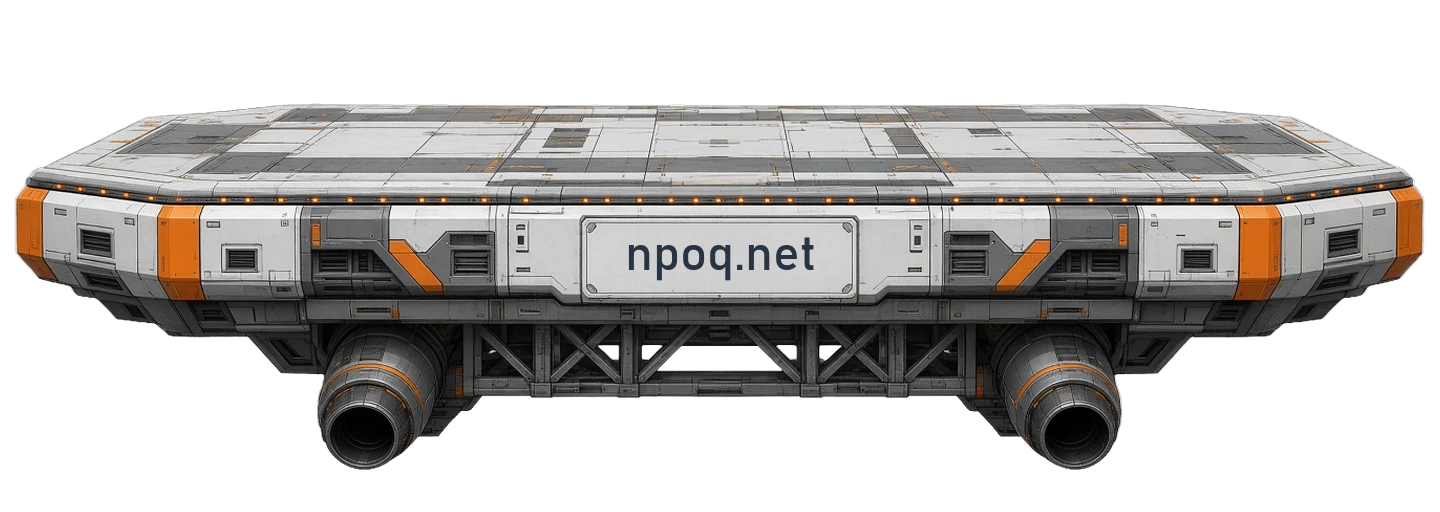
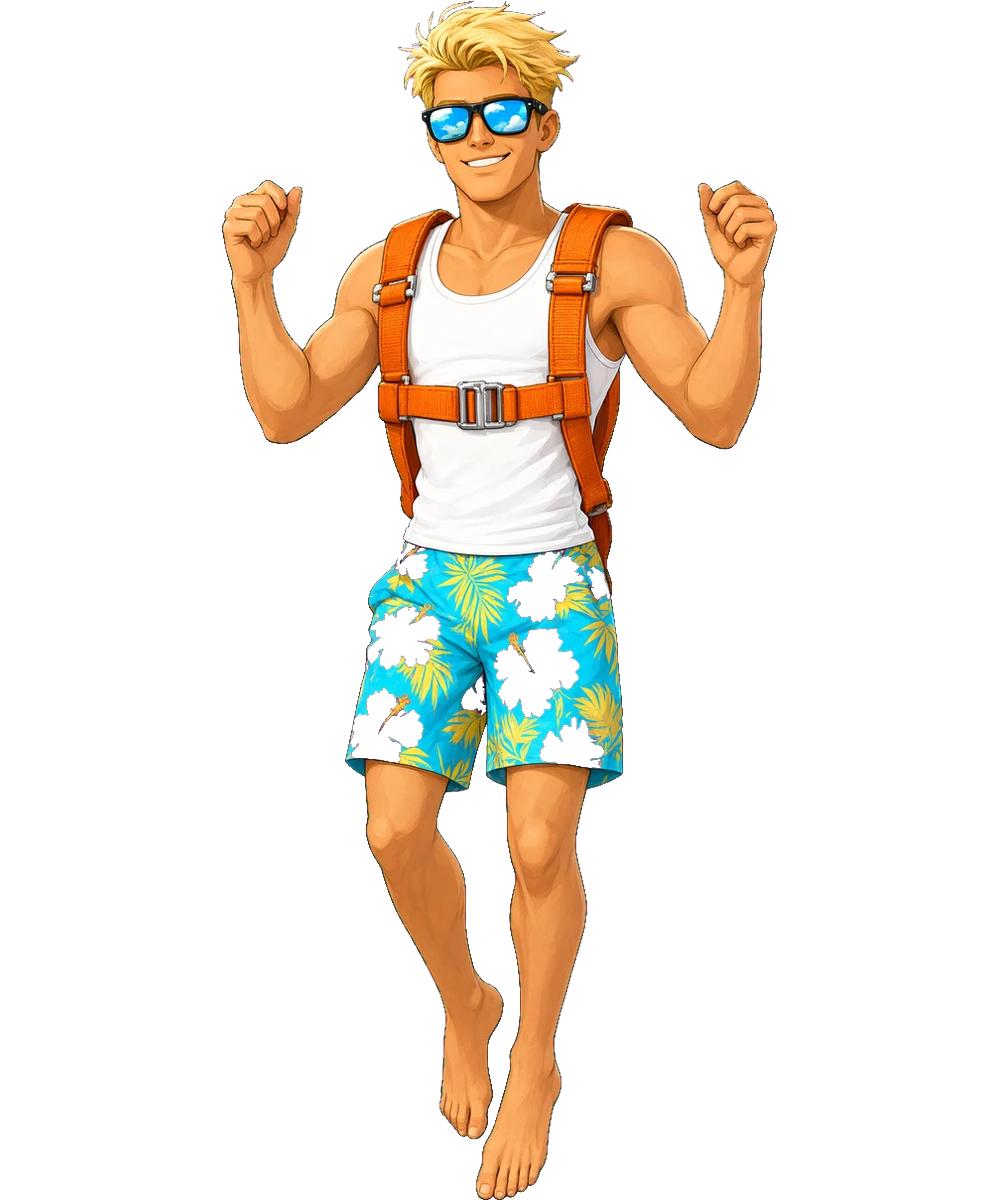
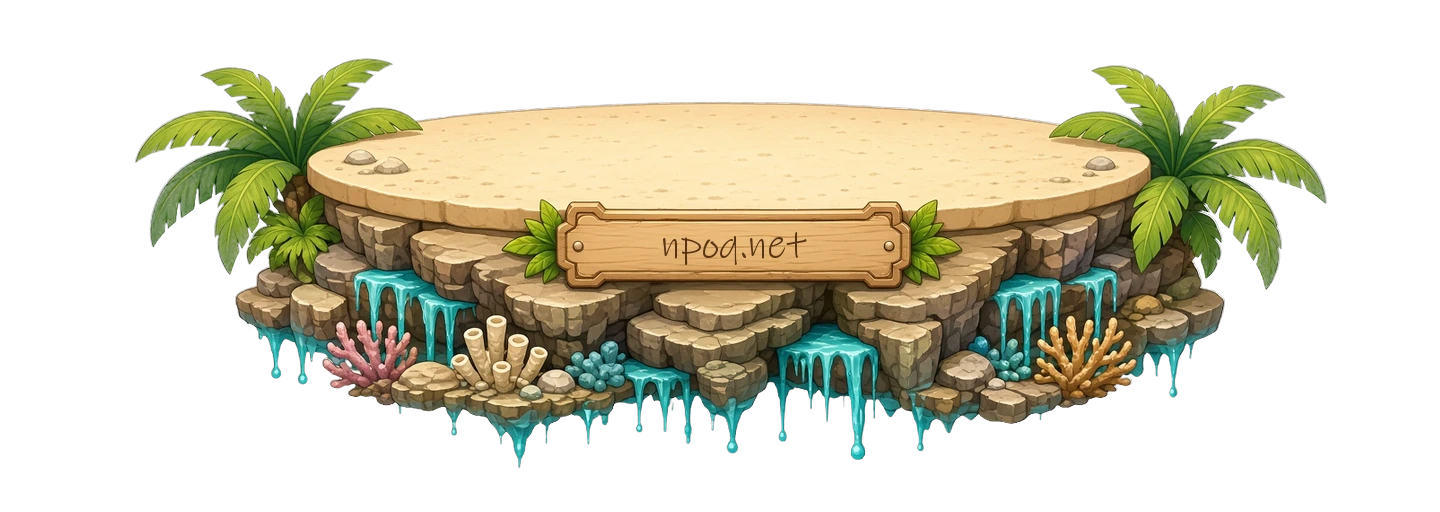
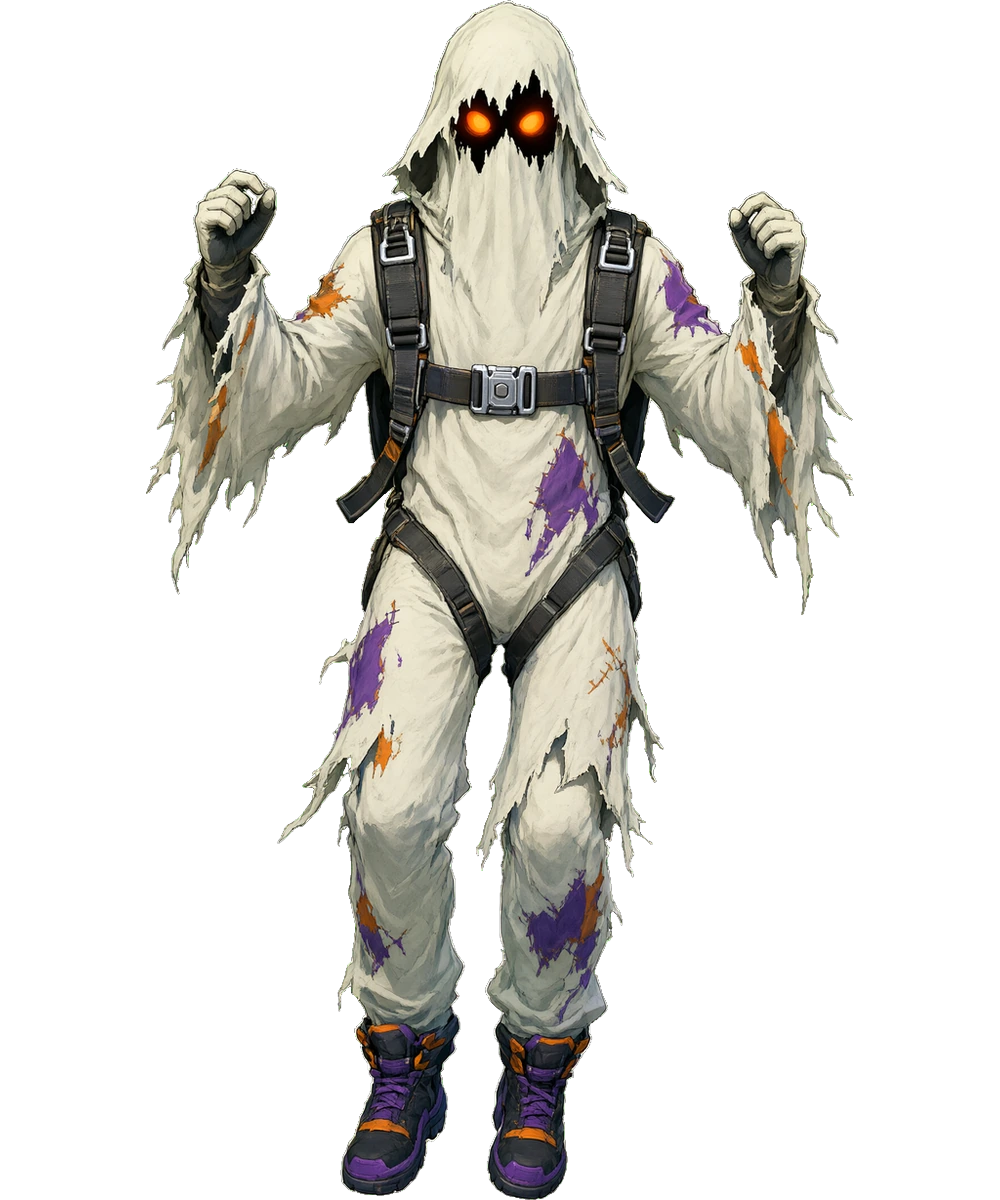
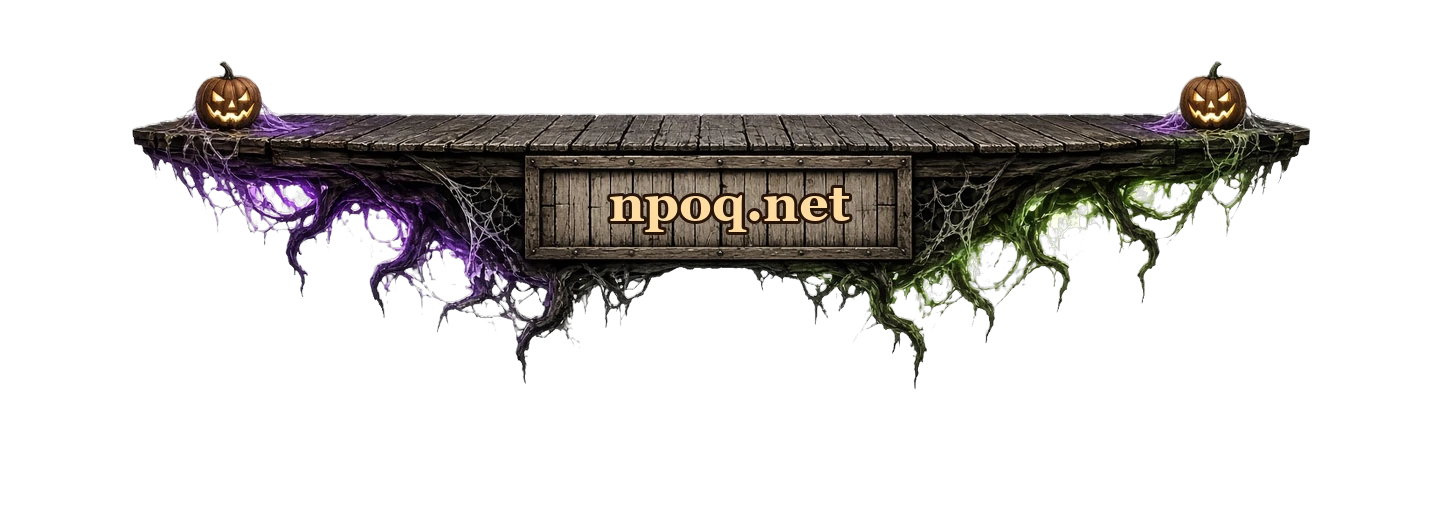
Pixel, space, tropical, halloween, winter and five sweet themes (blossom garden, two cat themes, clouds, cake). Each theme has its own platform and five separate character poses: gliding, landing, bullseye, clinging to the edge and missing entirely.
Moderator commands
Reset the round, pause or resume drops, switch to queue mode and release everyone at once. Permission is checked against the Kick chat badge, and you can rename every command from the panel.
One drop per round
A viewer can only jump once per round — nobody can flood the board by repeating the command. The round clears once everyone has landed and the cooldown has passed.
Your own sounds
Set a separate sound file for the drop, the canopy opening, the landing and a bullseye. Any event you leave empty gets its sound generated in the browser, so there is nothing to download.
Every theme
Each theme has its own platform and five separate character poses. You switch themes with one click from the panel.
Live in three steps
- 1
Add the widget from your panel and configure it — the live preview updates as you type.
- 2
Paste the link into OBS as a browser source. Nothing else to install.
- 3
Go live. The widget listens to your chat and channel events on its own.
How many can I run
Available on the free plan too. Your plan only decides how many instances you can run and a few content options.
Pricing